
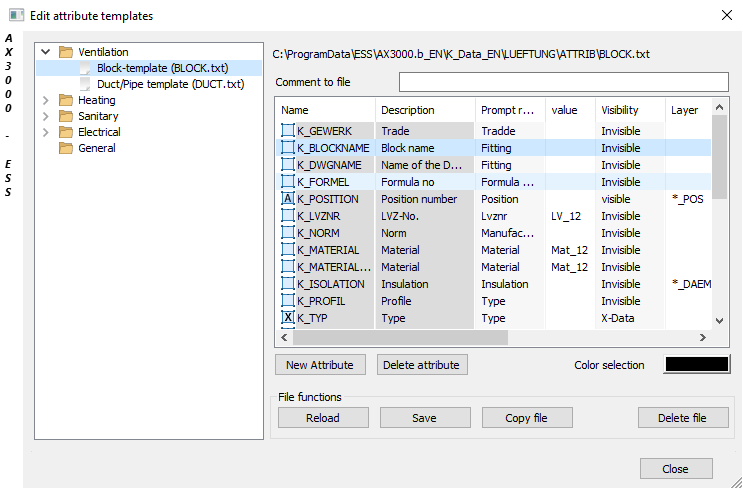
Dialogue-Options
Option |
Description |
|
|---|---|---|
Navigator |
A list of existing attribute copies of each trade is shown here.
Comment to file: General information can be added to file here. |
|
New attribute/delete attribute: New attributes can be set and existing attributes can be deleted here.
Color selection: A color for each activated attribute can be selected from AutoCAD here. |
||
File functions |
These functions serve to edit the attribute files.
Reload: This function loads the file again to reject recent changes.
Save: This function saves the changes.
Copy file: This function makes a duplicate of the activated file.
Delete file: This function deletes the activated attribute sample file. |