Access to the command over
Command line: _CHANGETEXT
Assistant:  | AX3000 Management|
With this function text heights of serveral building components can be changed simultanously.
Select a reference block, change the text heights, choose the selection type and select the blocks in graphic.
Dialogue-Options
Option |
Description |
|
|---|---|---|
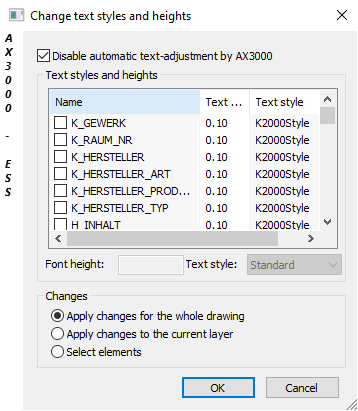
Disable Automatic Text Adjustment by AX3000
|
By activating the function (
By deactivating ( |
|
Font height and Text style |
Here you can see and change all attributes with their corresponding text styles and letter height. |
|
Changes |
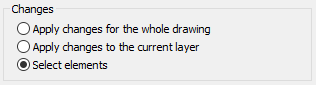
Settings can be overtaken alternatively for the selected elements, the selected layer or the entire drawing.
|
 )
)  )
)