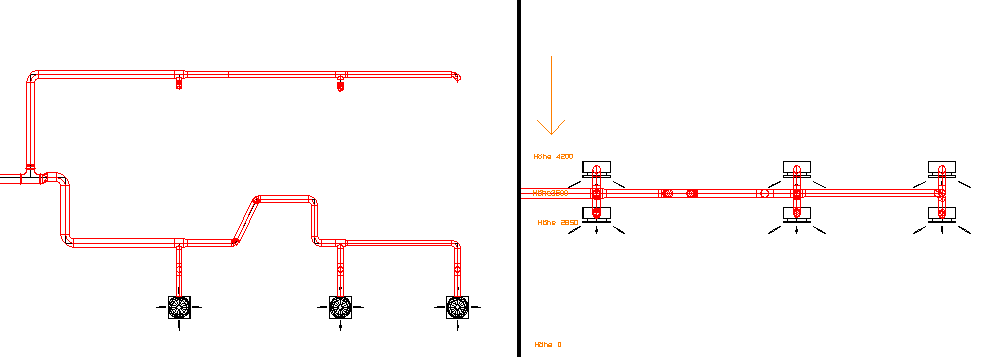
Front and Back clip plane can be used to limit the visible heights (in section-views).
Access to the command over
Command line: _dview
Assistant:  | 3D-view |
The view occures from above to the generated section.
|
Front = Upper section plane Back = Lower section plane
It is important to specify the heigths correctly (Front plane has to be higher)! Always start with front section plane! |

Example:
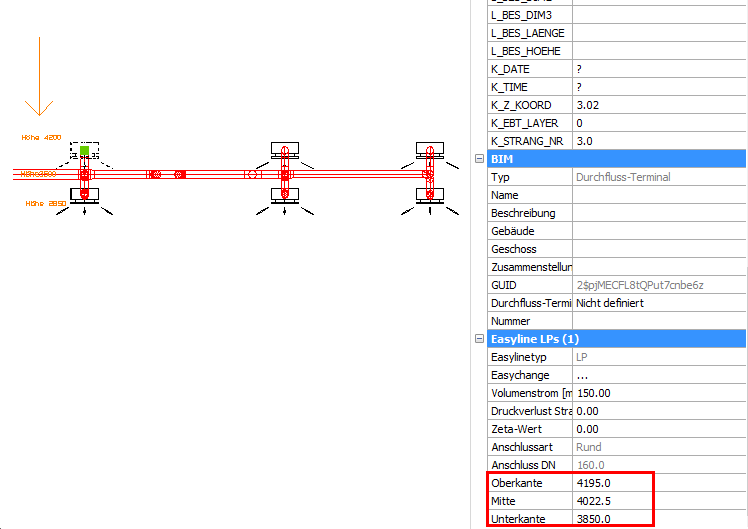
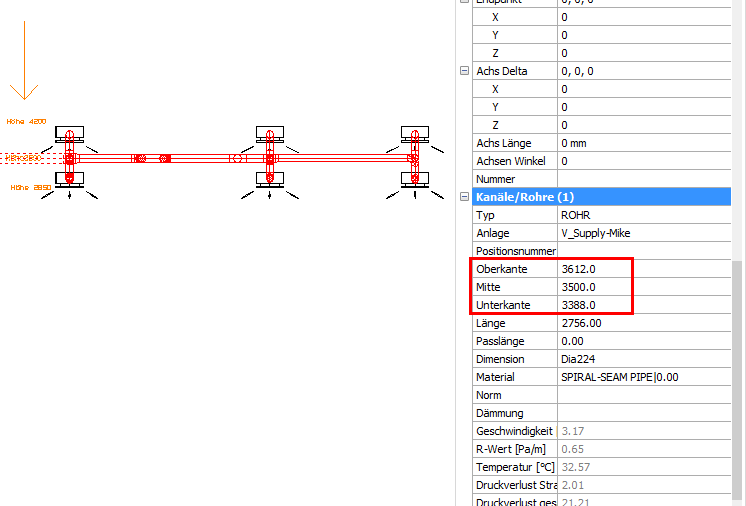
You only want to see ducts between a height from 3350 to 4200:
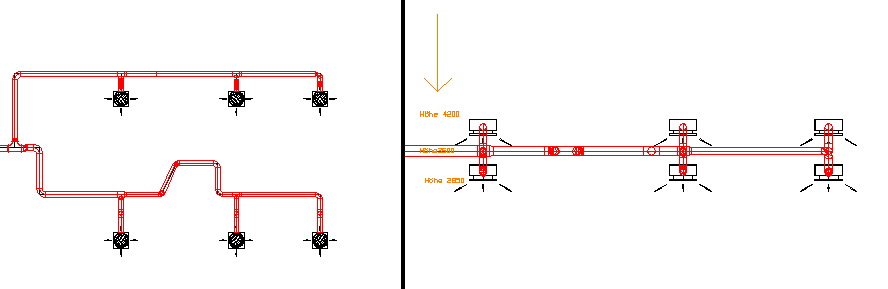
You can find the height of the entities in the Infobox.
After starting the function insert the front (=upper) section plane:

After starting the function  insert the back (=lower) section plane:

Now only entities between the inserted heights are displayed: