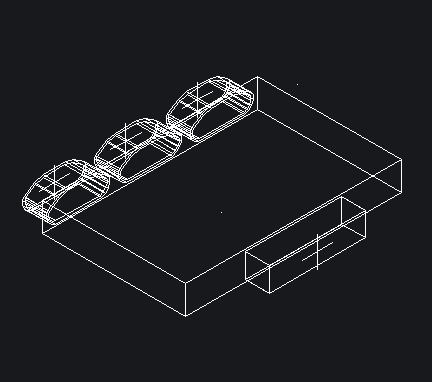
Function to set a distributor.
Access to the command over
Command line: _SETWRLVERT
Assistant:  | RVS Easyline |
Following Dialogue opens:
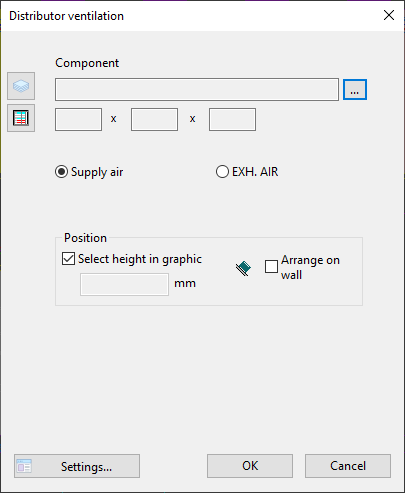
Dialogue-Options
Option |
Description |
Component |
Over
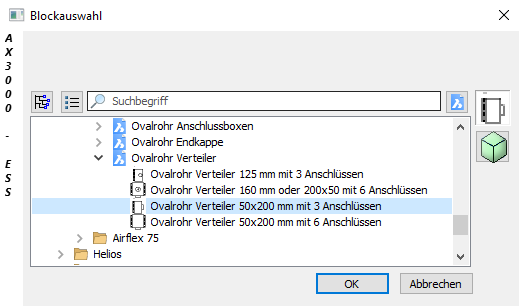
Choose a distibutor and confirm with "OK".
|
Position |
The load point heights are entered with this function.
A deactivated checkbox allows the load point height to be entered.
An activated checkbox allows the load point height to be set by picking the height coordinates in graphic. Top, center or bottom edge can be used.
|
 you open the block-selection: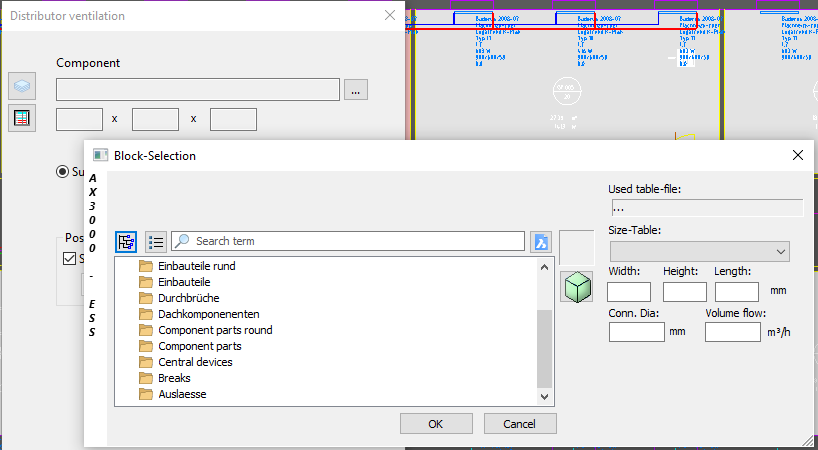


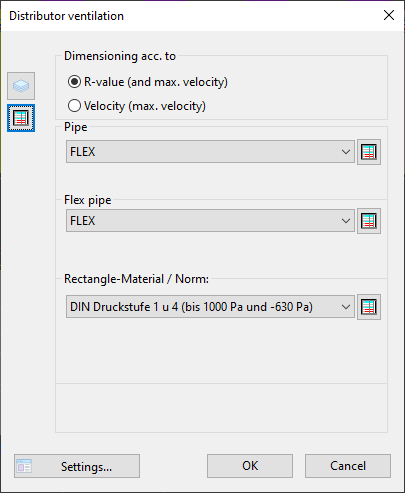
Dialogue-Options
Option |
Description |
|---|---|
▪R-Value |
The max. R-value used for dimensioning the ducts (in Pa/m). |
▪Velocity |
The max. velocity used for dimensioning the ducts (in m/s). |
▪Pipe |
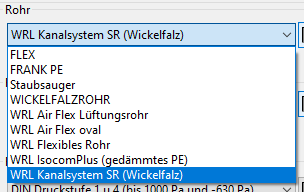
Here you can choose the pipe-material:
|
▪Flexpipe |
Determine the pipe material:
|
▪Rectangle-Material / Norm |
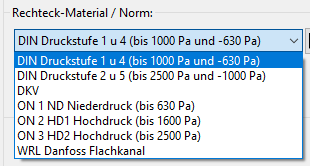
Choose the Manufacturing parameters (pressure stage,...) and Pipe tables.
|
 ...Here you can edit the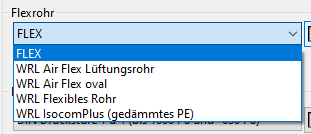
Confirm with "OK" and the distributor will be set.