You can define abidance zones, blind surfaces and border zones graphically in the ground view.
Access to the command over: |
AutoCAD/BricsCAD |
Allplan |
|---|---|
Command line: _FBH_AREA_DEFINE
Assistant: |
Toolbar: Heating | Underfloor Heating | |
 | Underfloor Heating |
After calling up the function choose a room-symbol,
the dialogue opens:
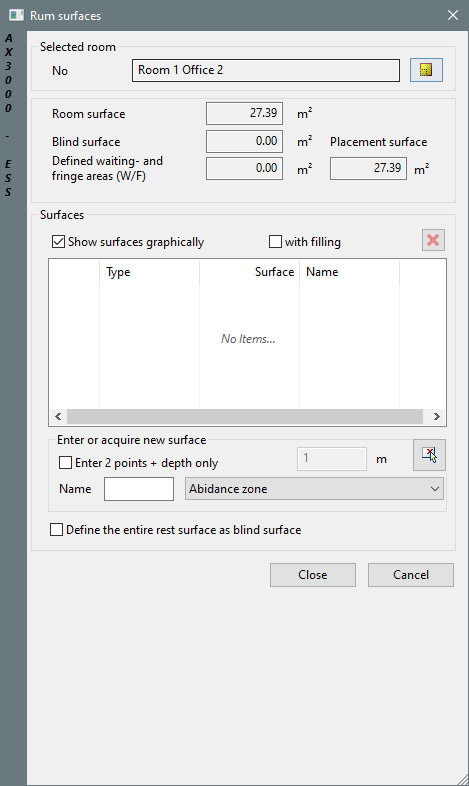
Dialogue-Options
Option |
Description |
|---|---|
Selected room |
Changing rooms. |
New surface |
First choose the zone you want to define:
Over
|
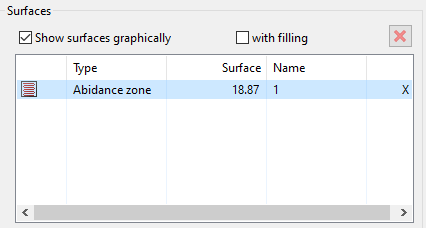
Surfaces |
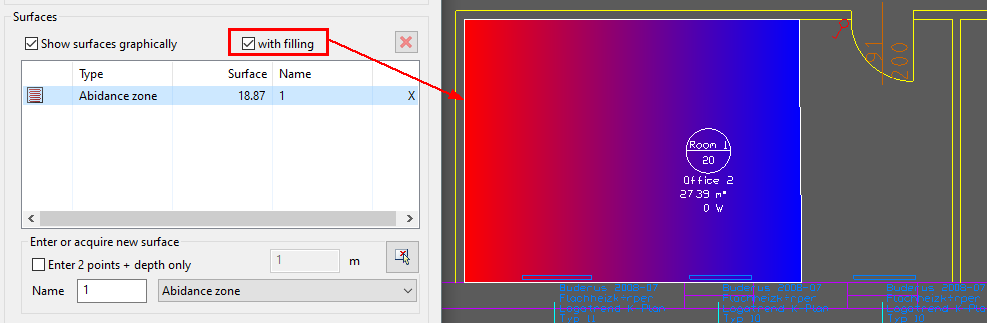
The area is shown in the Dialogue:
...and in the drawing, if activated:
|

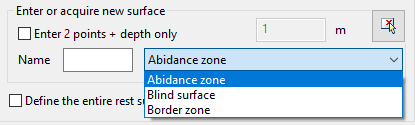
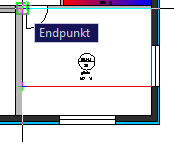
 you can scan the area in the drawing.