With this functions you are able to construct a duct-system.
Access to the command over
Command line: _TRASSE2
Toolbar Electro | 
Drawing procedure for cable lines:
1. |
Star the function |
2. |
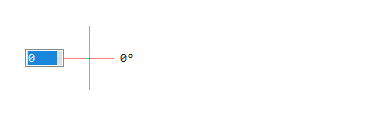
Pick starting point.
|
3. |
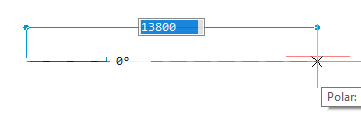
Pick second point.
|
4. |
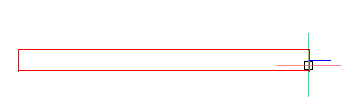
These two points are first filled with a straight cable line:
|
5. |
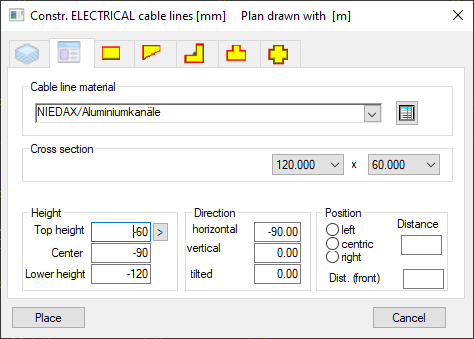
The function for drawing Cable lines opens. You can here edit the Fittings as needed.
|
When Trade Definition is activated, the automatic Layer Manager will be used by a non-defined layer (e.g. layer 0) following selection of the first duct point and the second duct point.