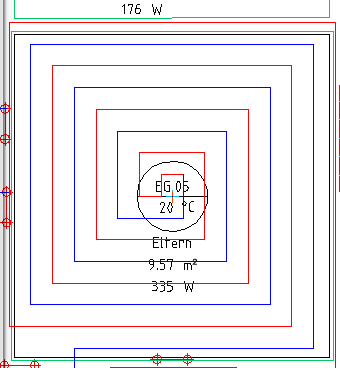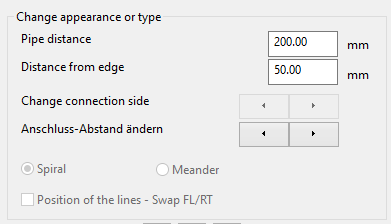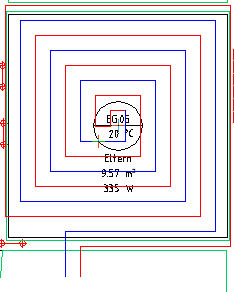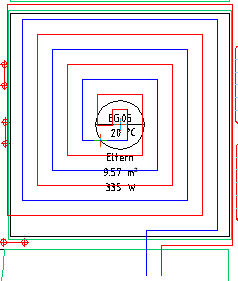
After calling up the function following dialogue opens:
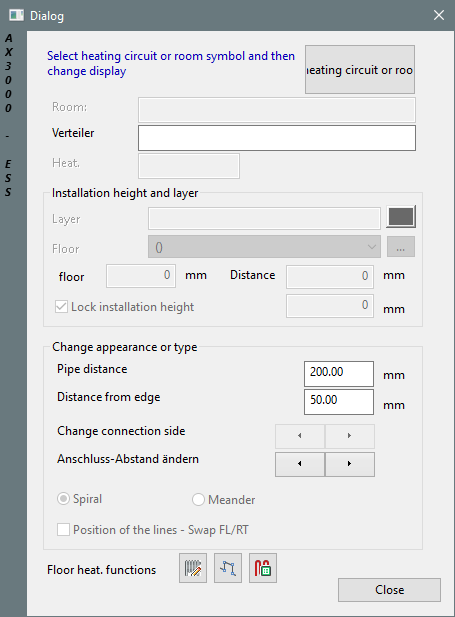
Pick "Start" and choose a room-symbol.
Dialogue-Options
Option |
Description |
|---|---|
Start |
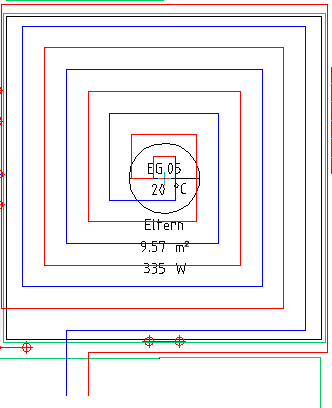
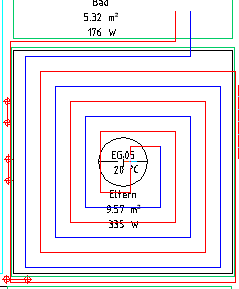
The room is displayed with a preview.
|
Change appearance or type |
•Pipe-distance and distance to wall can be edited here.
• By clicking the direction-arrows you can change the connection-side.
• By clicking the direction-arrows you can change the connection distance.
|