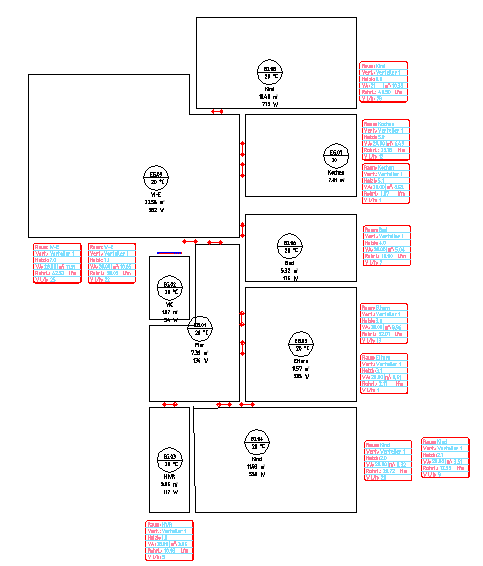
Over  heating-circle labeling and connection symbols are created:
|
|
|
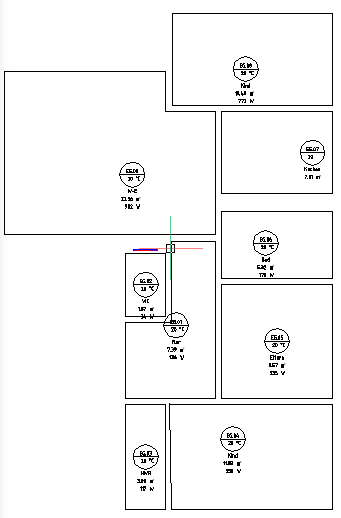

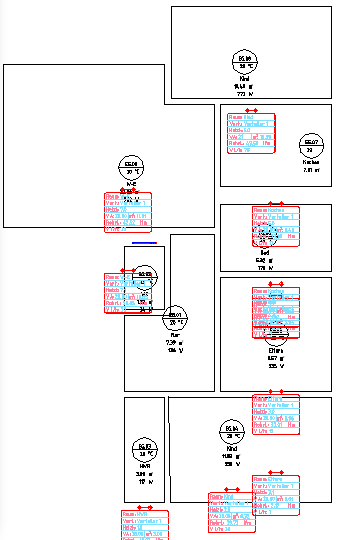
Labeling and connection symbols can be moved individually.
Connect Distributor:
Select the function "Distributor connection"

 Here the steps for connecting the heating circles to the zone distributor are shown.
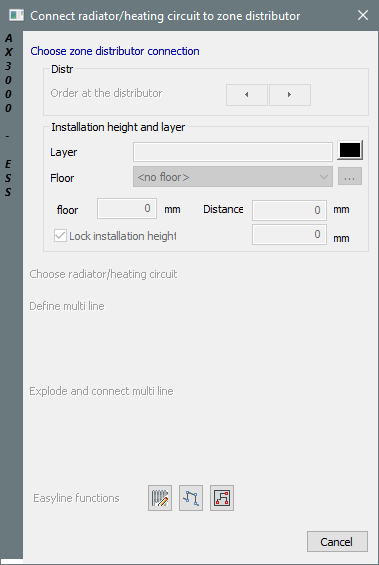
Dialogue-Options
Option |
Description |
|---|---|
Zone distributor connection |
Select the distributor connection:
The order can be changed over
|
Select Radiator/Heating circle |
Select the heating circle symbol:
|
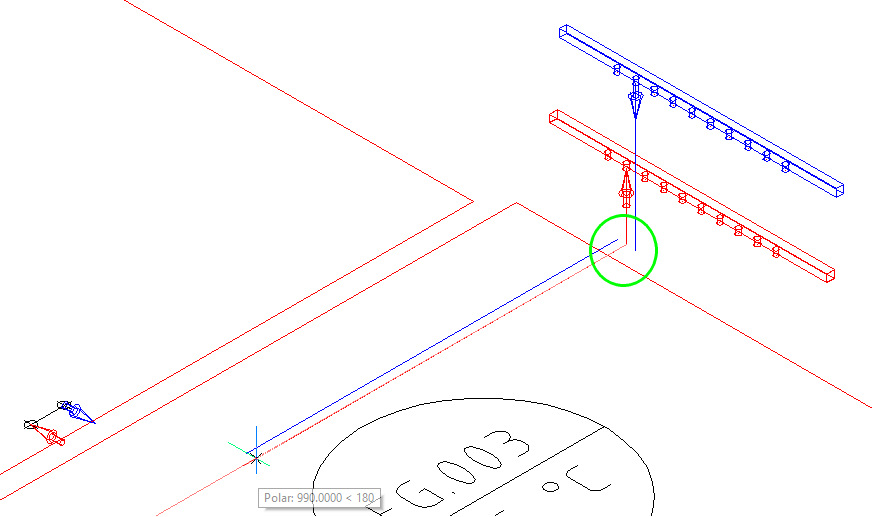
Define Multiline |
Draw the Multiline in the needed direction.
Over
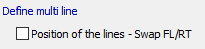
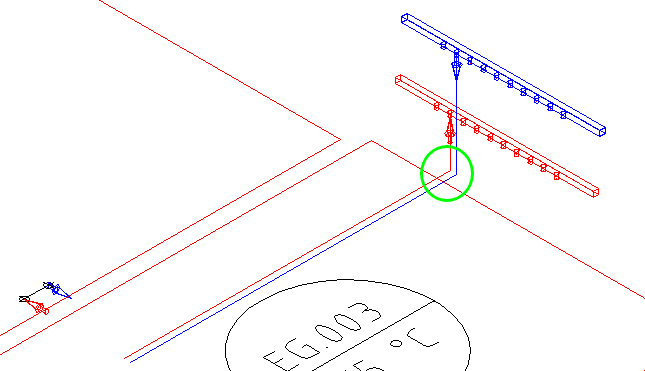
If the multiline lies in the right position, save with: |
Connect radiator/heating circuit |
|
Select next radiator |
Over the button
Over |
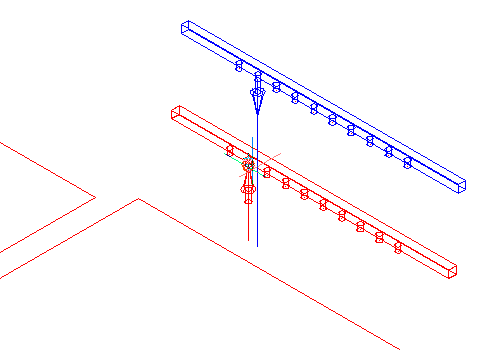

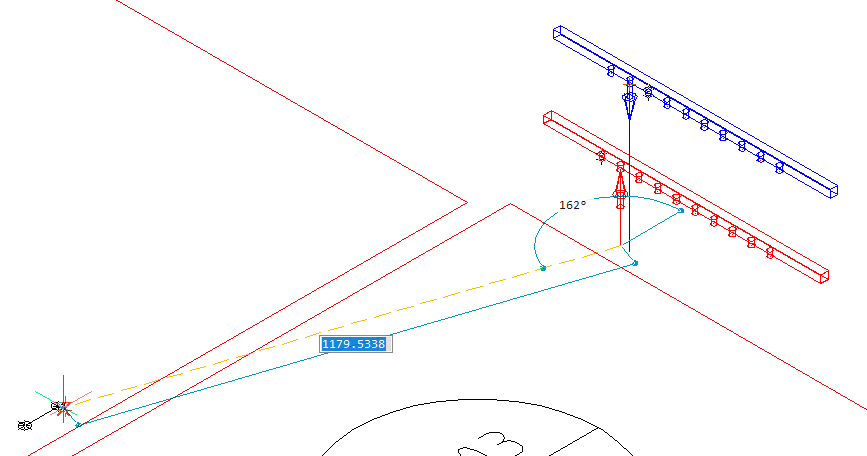
 the multiline can be started new from the distributor.
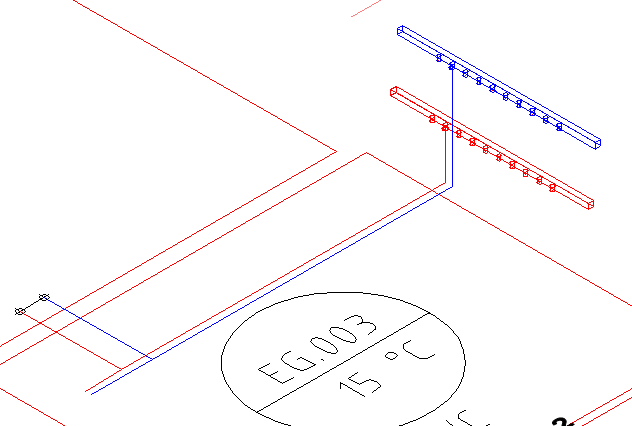
 the next connection at the zone-distrtibutor will be marked and the next heating circuit can be connected.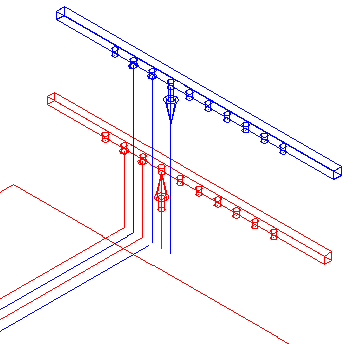
 the connection can be chosen new.