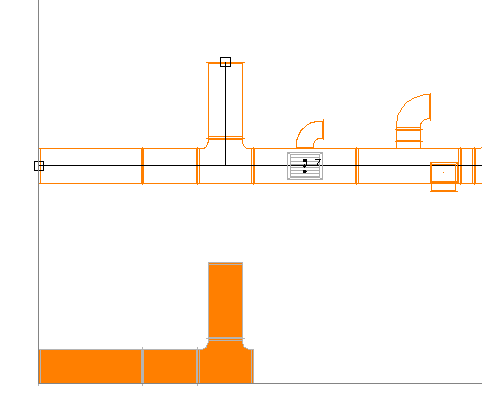
Access to the command over
Command line: _RRANSICHT_NEWG
Assistant:  | 2D-view |
After selecting the function, following Dialogue opens:
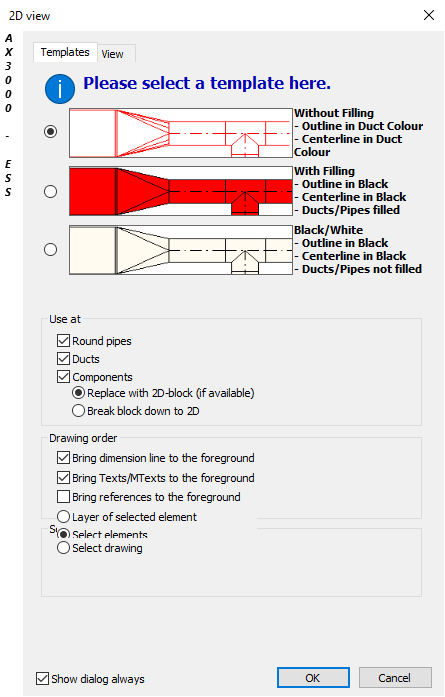
Choose templates and view and confirm with "OK".
1. Pick plan-view reference point:
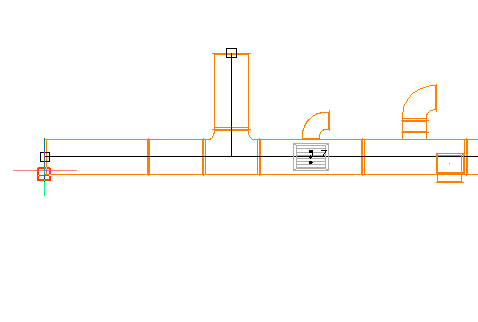
2. Pick 2D- placement point (related to the 1st point):
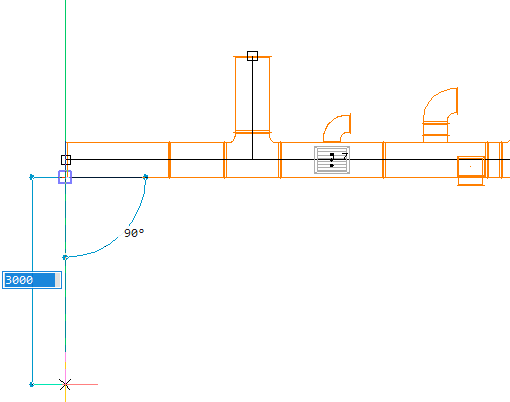
3. Select entities:
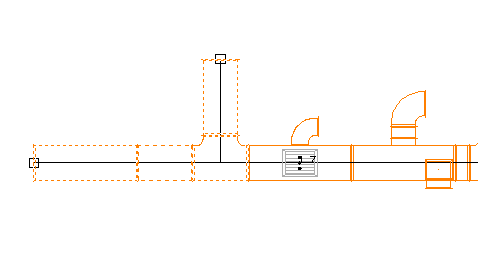
4. Confirm with right mouse-button.
The plan-view detail is displayed: