Access to the command over: |
AutoCAD/BricsCAD |
|
|---|---|
Command line: _SIM_MANAGER
Assistant: |


The Simulation-Manager opens:
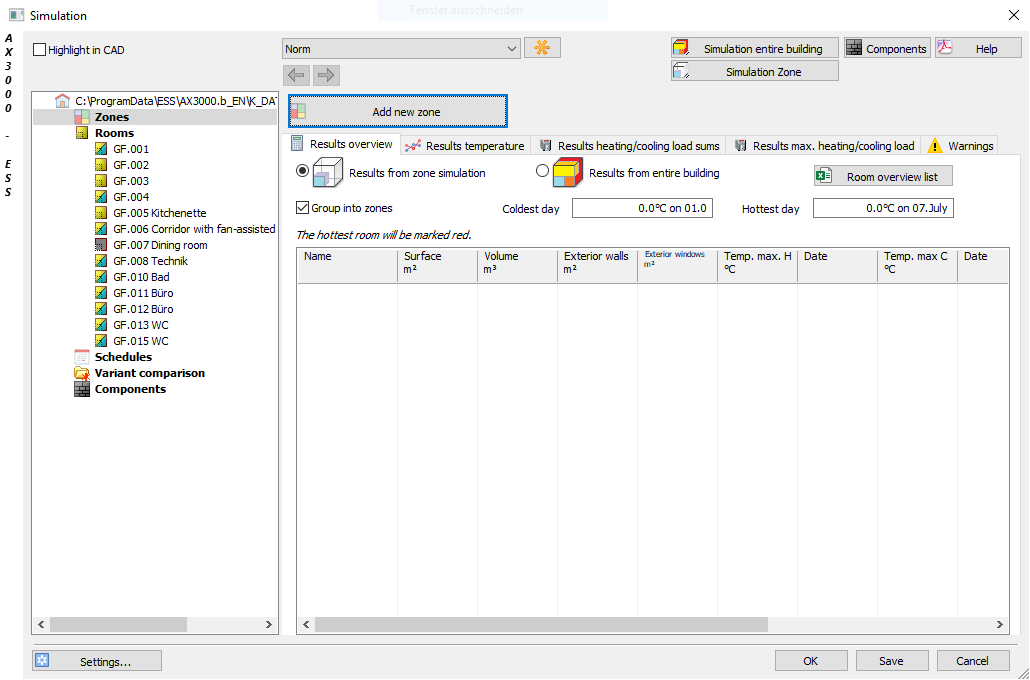
Dialogue-Options
Option |
Description |
|
|---|---|---|
Project overview |
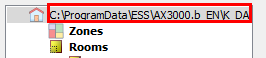
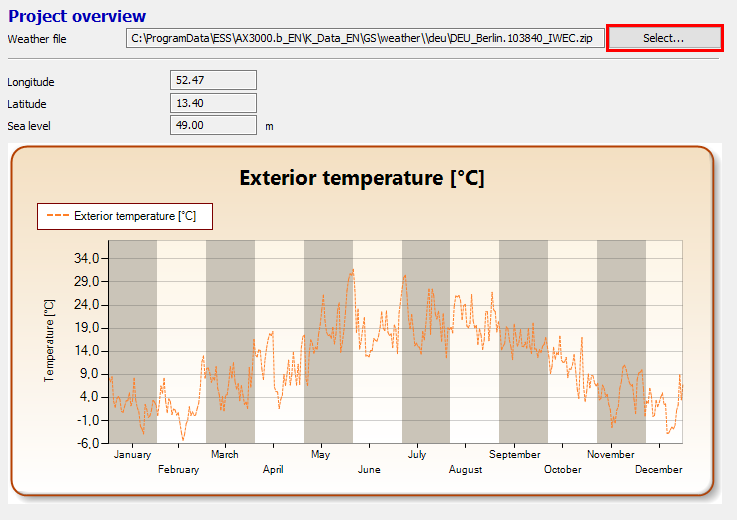
If you click on the projectname the Project overview opens.
Choose the weather file here:
|
|
Overview of existing zones, their conditioning and the dedicated rooms. Rooms can be shifted to other zones per Drag & Drop. |
||
Rooms |
Double-click on a room/floor opens the room-manager. |
|
The schedules for Terminal diagrams and Heating and cooling periods ca nbe edited here. |
||
Compares the selected variants. |
||
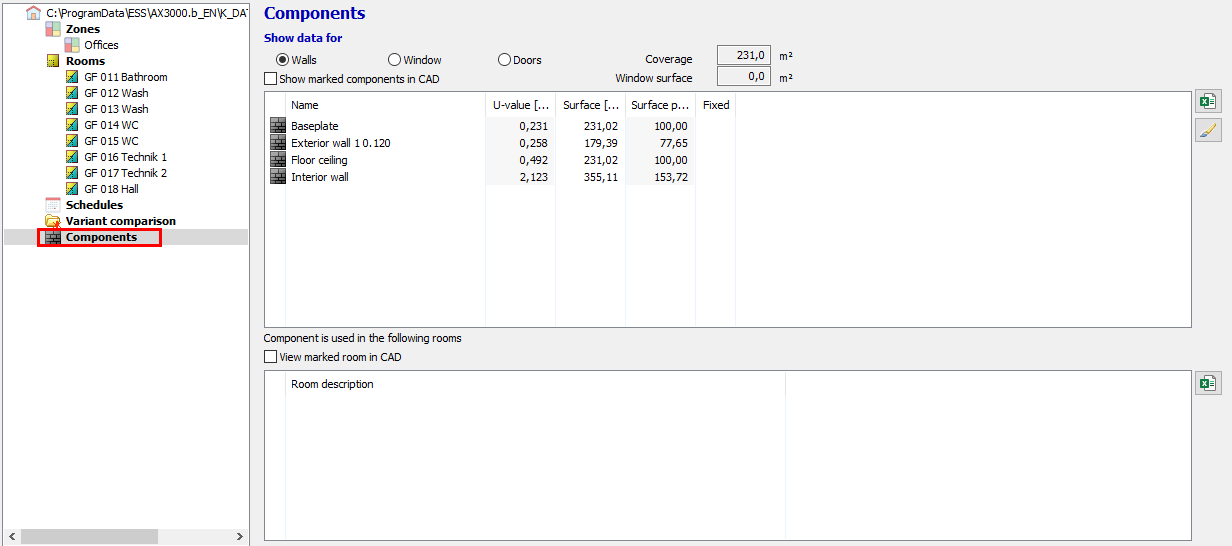
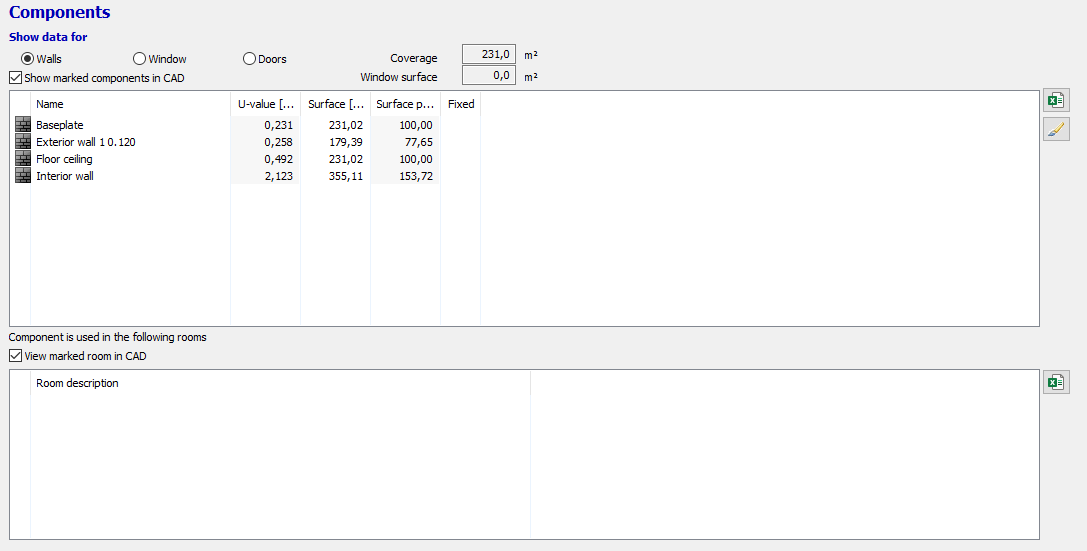
Components |
Show the data for selected components.
|
|
|
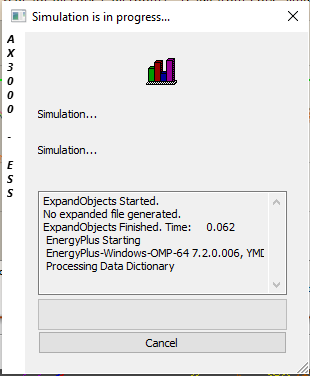
Here you start the simulation for the entire building.
|
|
|
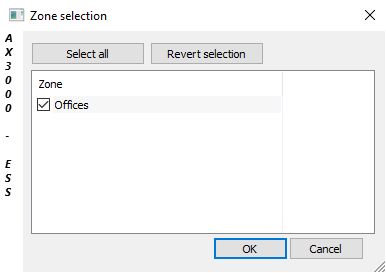
Here you start the simulation for a single zone.
|
|
|
|